Filing of GST returns and payment of taxes are two of the most important compliances for a business registered under Goods and Services Tax regime in India. Filing a GST return or paying a tax might appear to indicate that the entire filing process has been successfully completed but it is not so. Businesses are strongly advised to regularly check the status of their GST return filing and payment to ensure that their records are updated on the GST portal.
There are many online tools provided by the GST portal for the users to check their GSTR-1, GSTR-3B, challan payment status and dues. If users know what is available through these tools they can efficiently manage their GST compliance and know if there are unfiled returns or unpaid taxes due.
How to Check GST Return Status Filing Online?
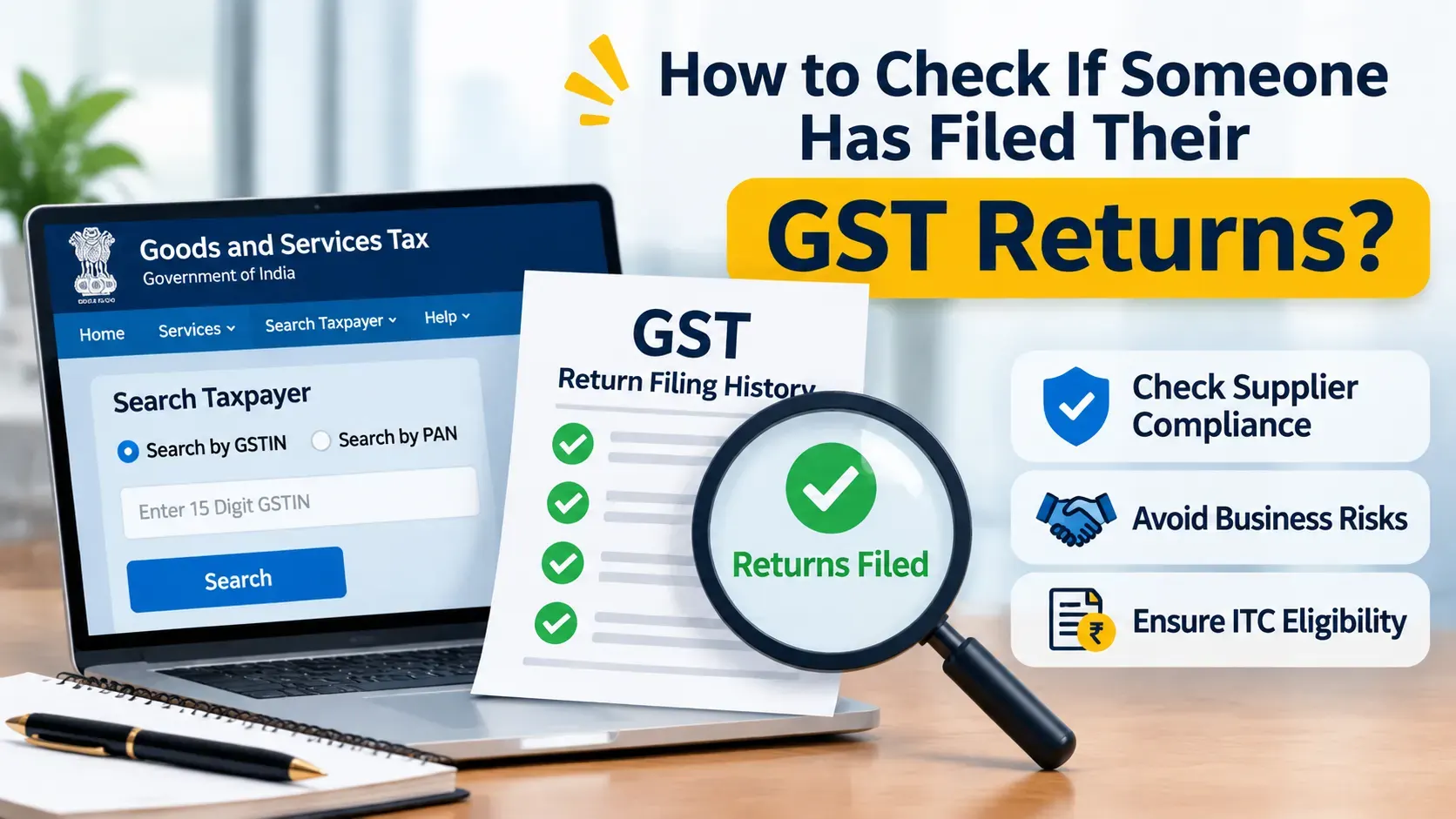
Businesses can verify their GST return filing status on the official GST portal (Good and Services Tax). Users can check their filing status by logging into their registered account or by entering their GSTIN in the search bar.
Go to the GST website and click on Search Taxpayer. Choose the option of “Search by GSTIN/UIN” and enter your 15 digit GSTIN. Once identity is confirmed, click on “Show Filing Table” on the taxpayer’s profile. You can now select the appropriate fiscal year and search for it.
The table of filing data shows which returns can be downloaded, what kind of return each one represents, the date when each return was due, and the date when each return was submitted. It provides a means to determine if any returns have been submitted by a specific taxpayer.
For further details regarding the process, refer to our article on checking your GST Return Status and verifying it online.
How to Check GST Return Payment Status
Tax return filing and paying taxes are related, yet different forms of compliance. A taxpayer may have made a deposit of funds using a challan; however, they did not make an appropriate adjustment to their tax liability as reported on their return.
To view your payment details, you can log on to the GST portal and select “Services” from the “Payments” drop-down menu. Using the Challan History option, you will be able to see all of the challans that you have created along with each of those challans’ respective payment details.
Businesses should review their Electronic Cash Ledger, Electronic Credit Ledger, and Electronic Liability Register. Each of these registers allows for verification of available cash deposits, input tax credits that are available for use, tax liabilities that exist, and any adjustment that has been made to an outstanding amount.
When you check these records regularly , you will know of any discrepancies in your payments and you will not be confused as to whether you have deposited money for taxes or paid the outstanding debt .
How to Check GSTR-1 and GSTR-3B Filing
GSTR-1 and GSTR-3B are two important GST return forms that are used for different purposes. GSTR-1 contains details of all your outward supplies (sales). GSTR-3B shows the aggregate of your taxable supplies, input tax credits and tax payable by you.
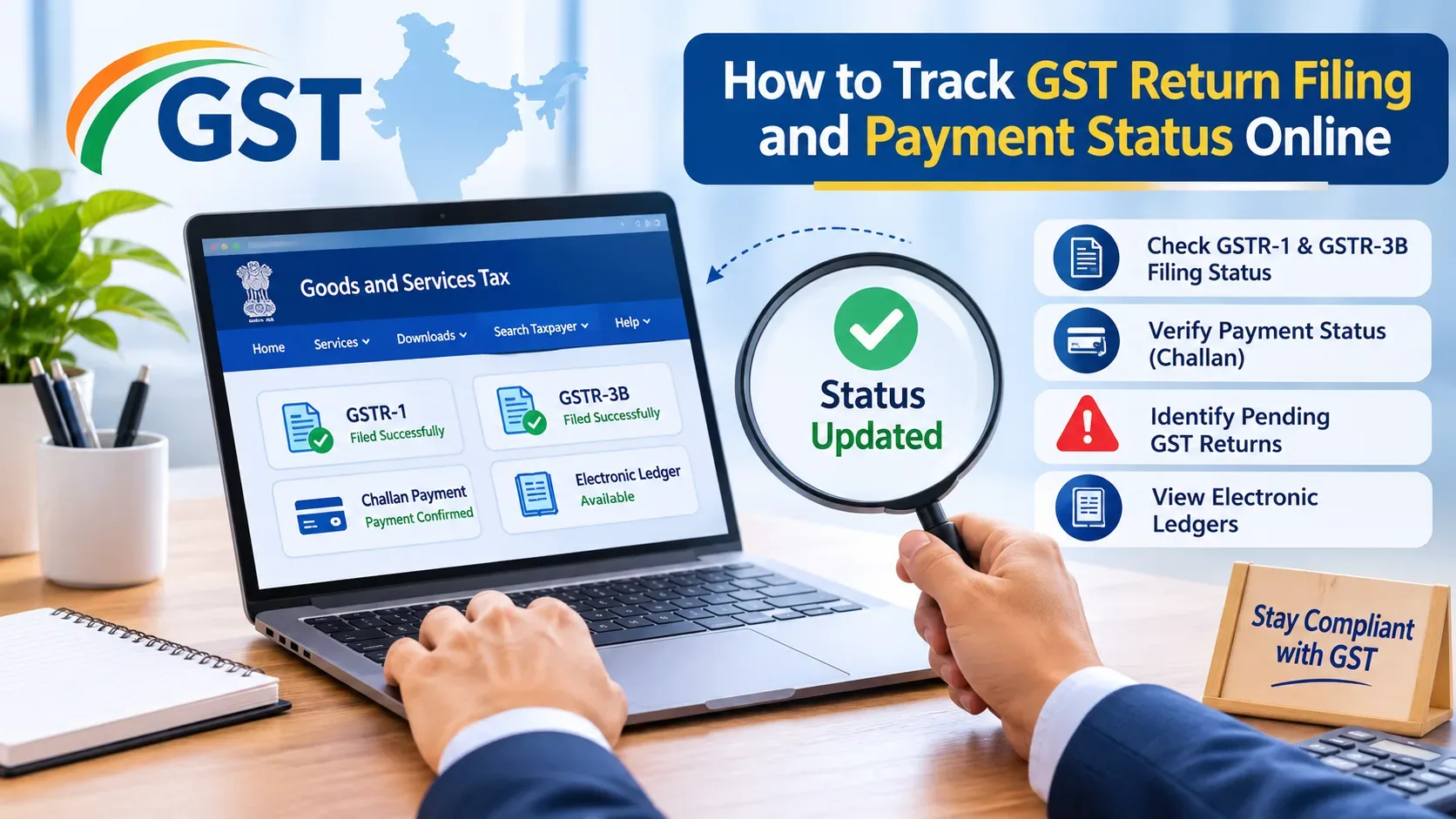
Login to GST portal, click on Services, then click on Returns and then Returns Dashboard. Choose the appropriate financial year, quarter and return period, then click Search to confirm your filing status.
The user is presented with a dashboard containing the relevant return tiles and the associated filing information. Users will be able determine have filed both GSTR-1 and GSTR-3B returns correctly and also see all the return information available.
Successful filing confirmations and ARN generation areproof of successful completion of the filing process.
How to Check GST Challan Payment Status Online
A taxpayer can generate a GST challan in order to transfer funds from his/her bank account to the Electronic Cash Ledger. Once the challan has been created, the taxpayer may choose among various forms of payment and complete the transfer.
The track payment status feature on the GST portal is a way for taxpayers to check if they have paid their taxes. After logging into the system, registered users may also view challan history.
When there has been a delay in processing, an unsuccessful attempt at a bank transfer, or a wait for confirmation, you will need to check your payment status. When you have successfully completed the payment, the amount you have deposited will show up in the electronic cash ledger.
Taxpayers who have their bank accounts debited but do not see that the payment has updated, should check the status of their payment before attempting to pay again.
How to Identify Pending GST Returns
When a business misses its deadline for submitting its GST returns, there may be an issue with compliance. To avoid potential non-compliance, taxpayers should check their Returns Dashboard as well as their previous returns to find out which return(s) need to be filed and when they were due.
The filing table can be used by businesses to determine if they have missed any GSTR-1 or GSTR-3B filings during a particular period. On the other hand, the filing requirement for a return will depend upon the taxpayer’s registration status (i.e., whether they are registered as a regular taxpayer or a composition taxpayer) and their filing frequency (i.e., monthly or quarterly).
When reviewing your GST records you should check to make sure that you are using the correct quarterly return period for the QRMP scheme.
Monitoring regularly will assist taxpayers with being aware of when they have overdue tax returns and therefore can begin taking actions to ensure that all necessary steps are taken to fulfill their GST compliance obligations.
Common GST Filing and Payment Status Errors
In some instances, after completing the submission process, a taxpayer will find that their return does not show as being filed. This occurs when the taxpayer has yet to complete the last step of the filing verification process, which involves either an Electronic Verification Code (EVC) or a Digital Signature Certificate (DSC).
Delays related to payment can happen when there are problems with banks processing payments, or if a payment has not been confirmed. Also there may be some confusion if you enter your GSTIN incorrectly, select wrong financial year or check the wrong return period.
Taxpayers need to check their ARN, payment reference, chosen tax period and applicable electronic ledgers before proceeding. If the issue persists, the taxpayer can log a complaint via the GST portal or engage a consultant.
How GSCCA Can Help With GST Return Filing and Compliance
To be successful with your GST returns you need to do much more than submit the form(s) prior to the due date. Businesses have to keep precise records, examine what they owe for taxes, compare input tax credit with actual expenditures and confirm that the forms were filed successfully and that payments have been processed.
Grover S & Company (GSCCA) offers professional support for business owners to file their GST returns, meet GST compliance regulations, prepare tax documents and address other accounting needs. If you are a business owner who needs help with GST filing or any compliance related issues, you can take the advice of an experienced professional.
Abstract
Tracking the status of GST return filing and payment online helps businesses maintain proper compliance records and know what’s next. Through regular and effective monitoring of the GST portal, GSTR-1, GSTR-3B, challan history and electronic ledgers, taxpayers can review their filing activity and payment records.
Integrating GST status verification into your organization’s regular accounting and compliance processes can help you avoid unnecessary delays while also better managing the tax obligations of your business.