
GST filing status is important for a business to check regularly to know if their GST returns are filed for the relevant tax period.Also, taxpayers can track pending returns, avoid missing filing deadlines and keep correct records of GST compliance.
How to check GST return status online.You can also check the status of your GST return online by entering your GSTIN or logging into your account on the official GST portal.This guide will assist you to check GST filing status, verify GSTR-1 and GSTR-3B returns, know different filing statuses and how to resolve common issues while filing.
What is the Status of GST Return Filing?
The GST return filing status indicates whether a taxpayer has filed the required GST returns successfully for a particular tax period.It also helps businesses track their return submissions and identify pending filings.
The filing status may depend on type of GST return and the registration requirement of the taxpayer.GSTR-1 contains details of outward supplies and GSTR-3B has summary of outward supplies, input tax credit (ITC) and tax liability.
How to Check GST Return Filing Status Online Using GSTIN
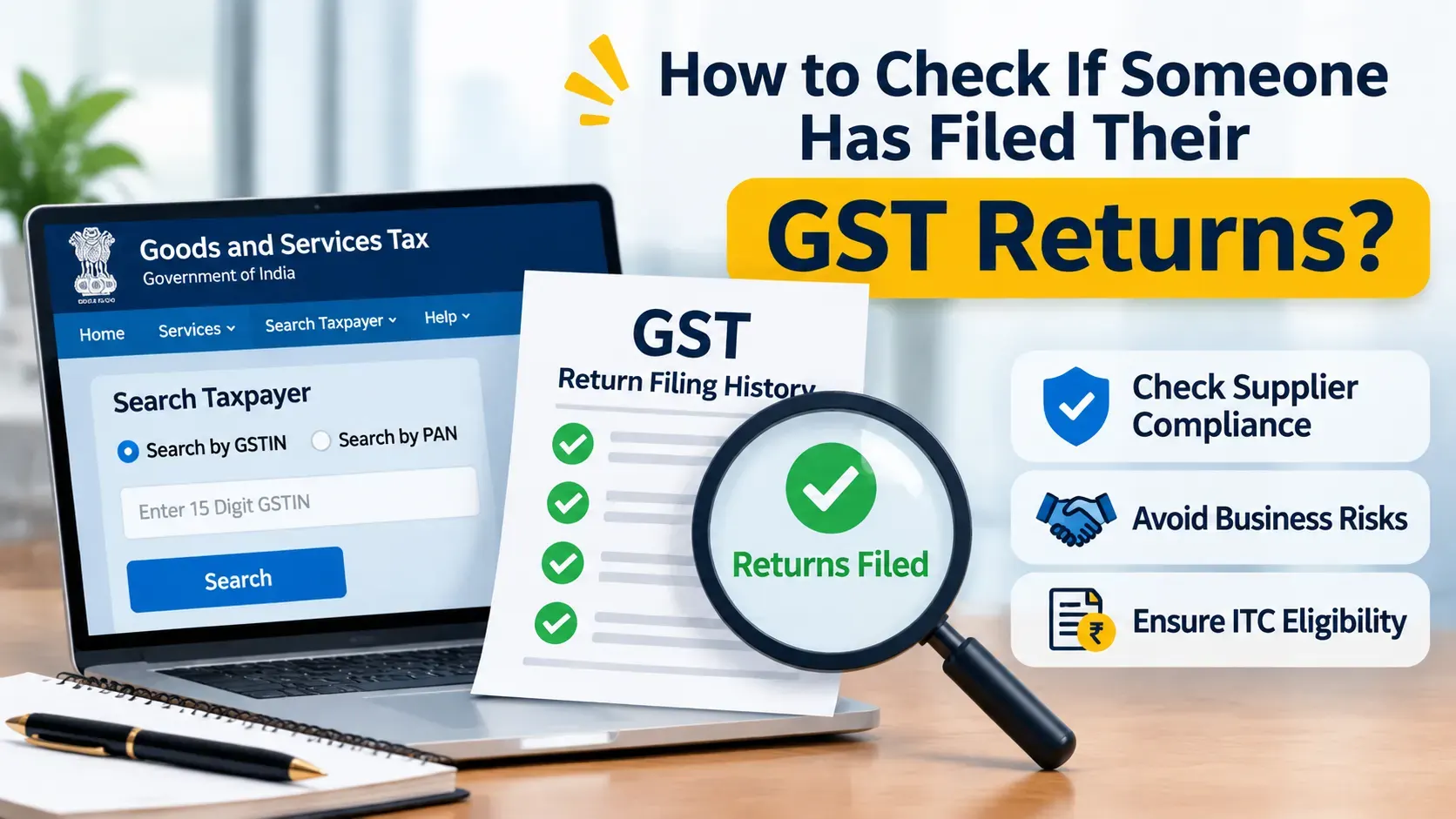
Without login to GST portal, you can check GST return filing details using Search Taxpayer facility. You can view the return filing records of a registered taxpayer by using his GSTIN or UIN.
Here are steps to check the status of GST return online:
Visit the official GST portal: Government of India, States and Union Territories
Select Search Taxpayer from the portal menu.
Choose the Search by GSTIN/UIN option.
Enter the 15-character GSTIN or UIN of the taxpayer.
Complete the CAPTCHA verification and click Search.
The portal will display the taxpayer’s registration details.
Click Show Filing Table to view the return filing details.
Select the relevant financial year from the dropdown menu.
Click Search to view the available GST return filing records.
The filing table outlines the details of the returns filed by the tax payer , the relevant tax periods and the filing dates.This information can be used to validate the filing history of the selected financial year.
This facility helps business entities to verify their own records of GST returns or to check the filing compliance of registered suppliers and customers.
How to Check Your Own GST Return Filing Status After Login
You can also access your GST account by logging in with your registered username and password to check the status of your GST return filing. Here are the procedures to verify the details of GST return filing: From the main menu tap Services Choose Returns. Click Returns Dashboard Select the Financial Year from the drop down list. Choose the relevant Return Filing Period/Tax Period. View the details of the GST returns for the selected period.
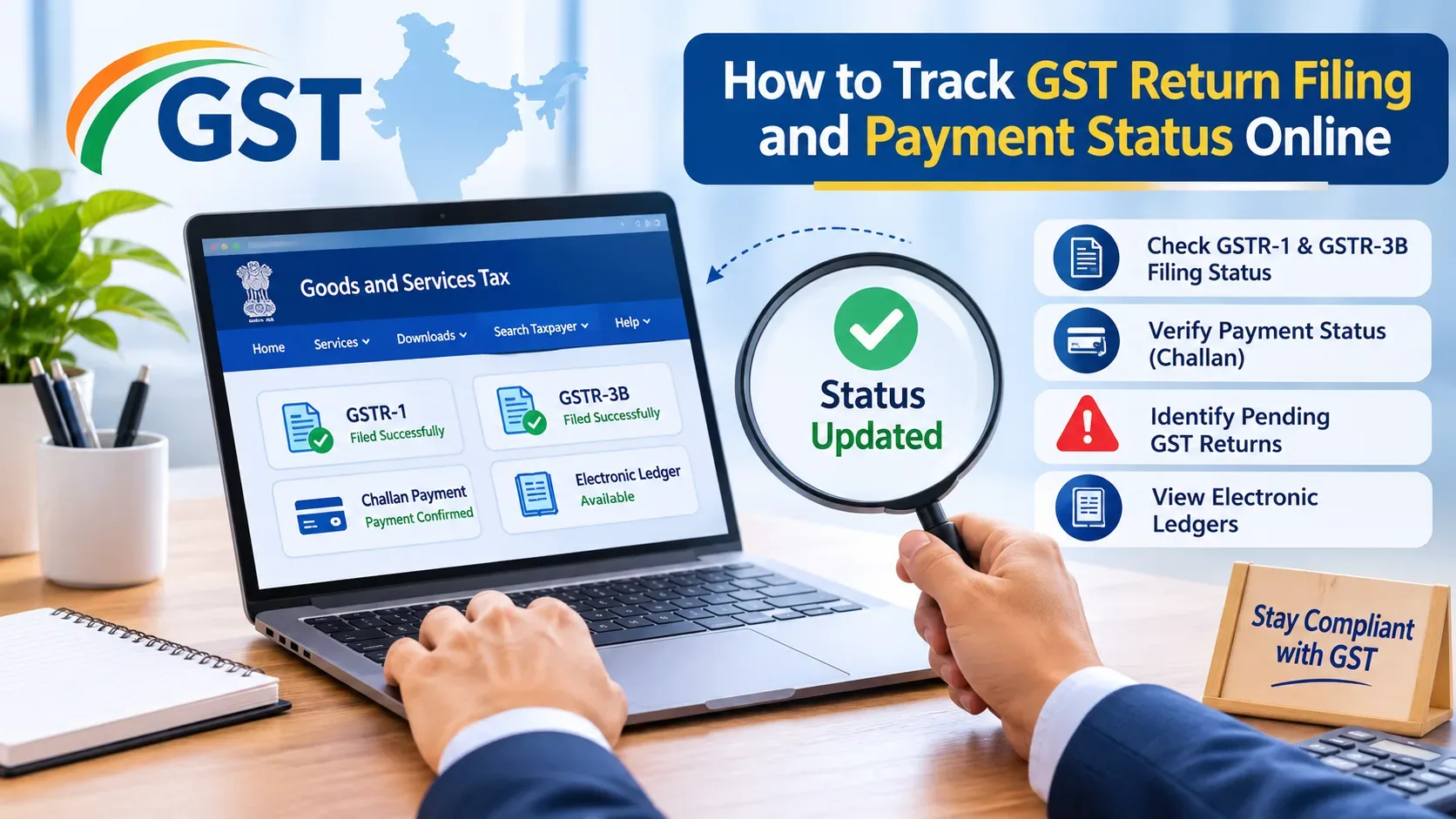
You may also select the Track return status option to track the progress of relevant applications or return related submissions.
It is important to check your GST return filing status from time to time, to verify any pending returns, to verify the details filed, and to maintain a correct record of your GST compliance.
How to Check GSTR-1 and GSTR-3B Filing Status
The first of these two returns, GSTR-1, includes all of the information about what you have supplied outwardly (your sales) during that specific tax period. The second of the two returns, GSTR-3B, is a summarized version of your sales, input tax credits and overall tax liability.
You may view the filing history for each return using the Taxpayer Search tool, or you can access the Returns Dashboard once you have logged into your GST account.
Always make sure to confirm the receipt of your final filing confirmation rather than assuming that after you’ve saved or submitted your tax return information, it will automatically file properly.
What Are the Different GST Return Filing Statuses?
When reviewing GST filing data, you will see a variety of filing status’ depending on which return type and/or portal facility is being used.
Filed generally indicates that the return has been successfully filed.
Not Filed indicates that the return has not been filed for the relevant period.
“Submitted but not filed” indicates that the process of submitting the return has begun, but has yet to be finalized with a filing confirmation.
Verify always the final confirmation of the portal and any corresponding acknowledgment information.
Why Should You Check GST Return Filing Status Regularly?
It also helps businesses to work with their accountant/GST consultant and better organize the process of filing required tax documents.
Common Problems When You Check GST Return Status Online
In case you enter wrong GSTIN details, you may see wrong details of the taxpayer on the portal. Please verify your 15 digit GSTIN before searching.
If the system does not contain the filing information, please verify the year and tax period selected for this request. If you filed your tax return and it is showing as not filed, please check your GST account for official confirmation of filing.
For issues related to logging in, refer the methods provided by the official GST Portal.
Need help of expert in GST return filing?
GST compliance is more than simply whether you have filed your returns. You will also need to get help from experts to make sure that you are compliant with all the rules and regulations of GST including GST registrations, filing of returns, input tax credit reconciliation, and many other areas of GST.
Our GST Consultancy Services are available for those who require professional help with their GST returns and/or compliance.
Conclusion
GST registered businesses in India are required to check their GST return filing status online. To do so, businesses may use the official GST portal to view their filing information with their GSTIN (Goods and Services Tax Identification Number) and access other return related services upon logging into the portal.
Regular monitoring helps the companies to keep proper records and compliance of their GST reporting requirements.
Grover S & Company are offering professional Services GST Consultancy Services GST Return Filing and Compliance.
What Is GST Return Filing Status?
The GST returns status of a taxpayer indicates the filing status of the relevant GST returns of the taxpayer for each tax period.
Based on the registration type, and some other conditions, there can be different types of GST return filed by a business. For example, GSTR-1 has details of outward supplies and GSTR-3B has a summary of the total tax liability and input tax credits.
How to Check GST Return Filing Status Online Using GSTIN
Without signing in to the official GST portal, you can know which GST returns are available for filing through the Search Taxpayerfunction of the portal.
Here is what you need to do.
The official website can be accessed at Government of India, States and Union Territories
Select Search Taxpayer, and choose the GSTIN/UIN search option.
Enter the GSTIN of 15 digits and do captcha verification.
View the registration information for the taxpayer.
Click Show Filing Table.
Select the relevant financial year and click Search.
The portal displays all of your filed tax returns, the type of returns you have filed, the time frame in which you were required to file these returns and the date on which you submitted each return.
How to Check Your Own GST Return Filing Status After Login
When you want to view the status of your GST return, go to the GST Portal and log on with your user ID and password. From there, select Services, followed by Returns, and then click on Returns Dashboard.
Select the correct Financial Year and Tax Period to view your tax filing details. Additionally, you may utilize the Track Return Status tool to determine the progress of any relevant applications submitted regarding your tax return.
How to Check GSTR-1 and GSTR-3B Filing Status
The first of these two returns, GSTR-1, includes all of the information about what you have supplied outwardly (your sales) during that specific tax period. The second of the two returns, GSTR-3B, is a summarized version of your sales, input tax credits and overall tax liability.
You may view the filing history for each return using the Taxpayer Search tool, or you can access the Returns Dashboard once you have logged into your GST account.
Always make sure to confirm the receipt of your final filing confirmation rather than assuming that after you’ve saved or submitted your tax return information, it will automatically file properly.
What Are the Different GST Return Filing Statuses?
When reviewing GST filing data, you will see a variety of filing status’ depending on which return type and/or portal facility is being used.
Filed generally indicates that the return has been successfully filed.
Not Filed indicates that the return has not been filed for the relevant period.
“Submitted but not filed” indicates that the process of submitting the return has begun, but has yet to be finalized with a filing confirmation.
Verify always the final confirmation of the portal and any corresponding acknowledgment information.
Why Should You Check GST Return Filing Status Regularly?
It also helps businesses to work with their accountant/GST consultant and better organize the process of filing required tax documents.
Common Problems When You Check GST Return Status Online
In case you enter wrong GSTIN details, you may see wrong details of the taxpayer on the portal. Please verify your 15 digit GSTIN before searching.
If the system does not contain the filing information, please verify the year and tax period selected for this request. If you filed your tax return and it is showing as not filed, please check your GST account for official confirmation of filing.
For issues related to logging in, refer the methods provided by the official GST Portal.
Need help of expert in GST return filing?
GST compliance is more than simply whether you have filed your returns. You will also need to get help from experts to make sure that you are compliant with all the rules and regulations of GST including GST registrations, filing of returns, input tax credit reconciliation, and many other areas of GST.
Our GST Consultancy Services are available for those who require professional help with their GST returns and/or compliance.
Conclusion
GST registered businesses in India are required to check their GST return filing status online. To do so, businesses may use the official GST portal to view their filing information with their GSTIN (Goods and Services Tax Identification Number) and access other return related services upon logging into the portal.
Regular monitoring helps the companies to keep proper records and compliance of their GST reporting requirements.
Grover S & Company are offering professional Services GST Consultancy Services GST Return Filing and Compliance.
Frequently Asked Questions (FAQs)
You can check your GST return filing status by visiting the GST portal. Log in using your registered username and password, go to Services > Returns > Returns Dashboard, and select the relevant Financial Year and Tax Period to view your return details.
Yes, you can check a taxpayer's GST filing details using their GSTIN through the Search Taxpayer option on the GST portal. Enter the GSTIN and complete the verification process to view the available taxpayer details and return filing information.
Log in to the GST portal and navigate to Services > Returns > Returns Dashboard. Select the relevant Financial Year and Tax Period, then search to view the filing details of GSTR-1 and GSTR-3B.
ARN stands for Application Reference Number. It is a unique reference number generated after submitting a GST return or application. You can use this number to track the status of your submission through the Track Return Status option on the GST portal.
Some common GST return application statuses include: To Be Filed: The return is due but has not been filed.
Submitted But Not Filed: The return has been submitted or validated but the filing process is not complete.
Filed: The return has been successfully filed.
Always check the detailed status on the GST portal to understand whether any further action is required.
Yes, you can use the Search Taxpayer option on the GST portal to check publicly available taxpayer and return filing details using a GSTIN. However, to access your own detailed return information and account-related services, you need to log in.
After successful filing, the GST portal displays a confirmation message and updates the return status to Filed. You can also check the filing status through the Returns Dashboard or Track Return Status option.
If your GST return status is not updated, check whether the filing process has been completed. You can also use the Track Return Status option to search using your ARN. If the issue continues, contact the GST helpdesk for assistance.
Yes, checking your GST return filing status regularly helps you identify pending returns, verify successful filings and avoid missing applicable filing deadlines. It also helps maintain proper GST compliance records.
Yes, you can check the filing details of previous GST returns by selecting the relevant Financial Year and Tax Period on the GST portal. You can also use the View e-Filed Returns option to access previously filed returns.



2 Responses